For Mac, iPad & iPhone · Out now

A quiet place to write,
one day at a time

Unwritten gives every day a single blank page. Write a line or a few pages, and watch the calendar fill in as the habit takes hold.

macOS 15.6, iPadOS 18.1 and iOS 18.1 or later · Free to write · iCloud sync with Unwritten Pro

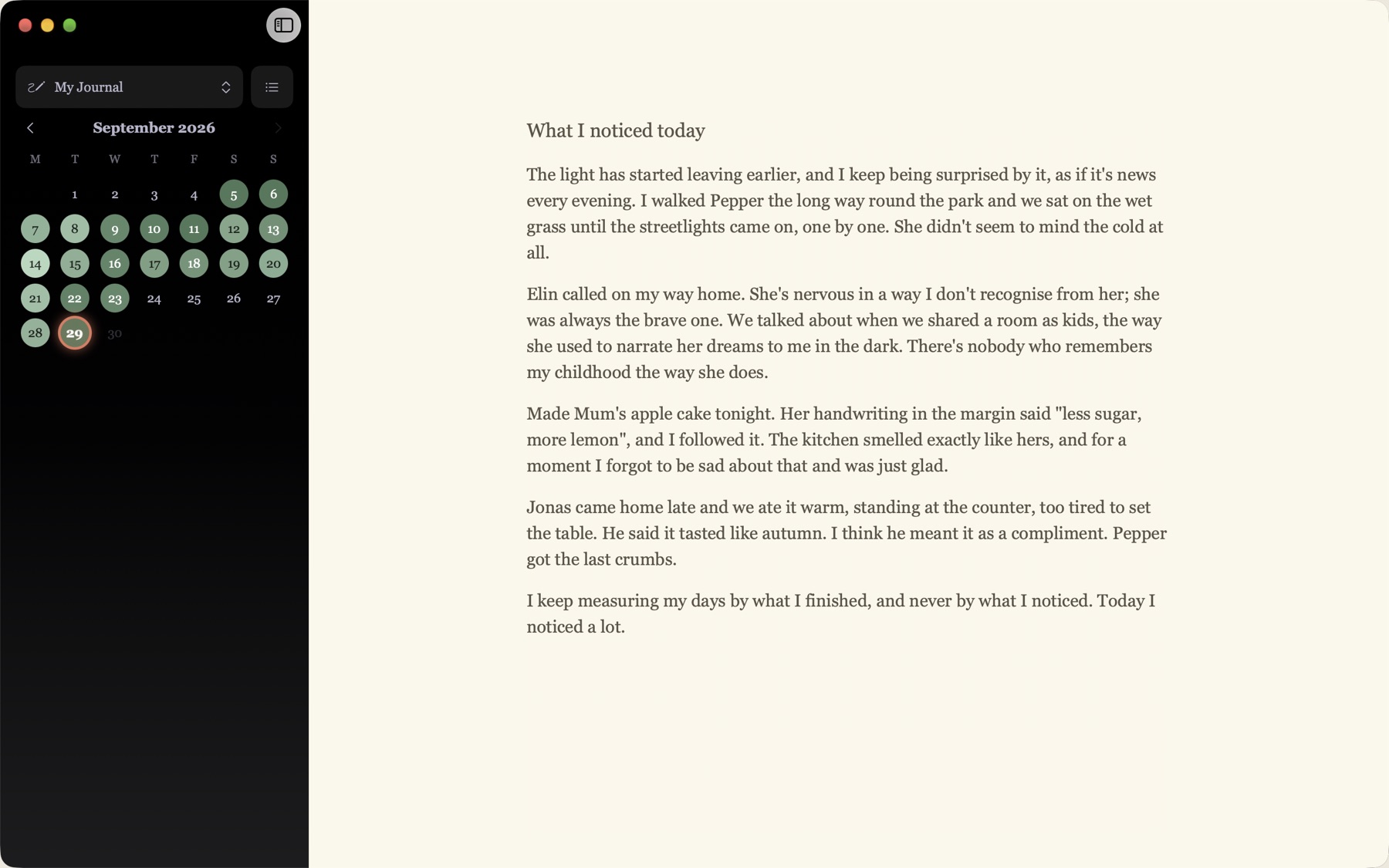
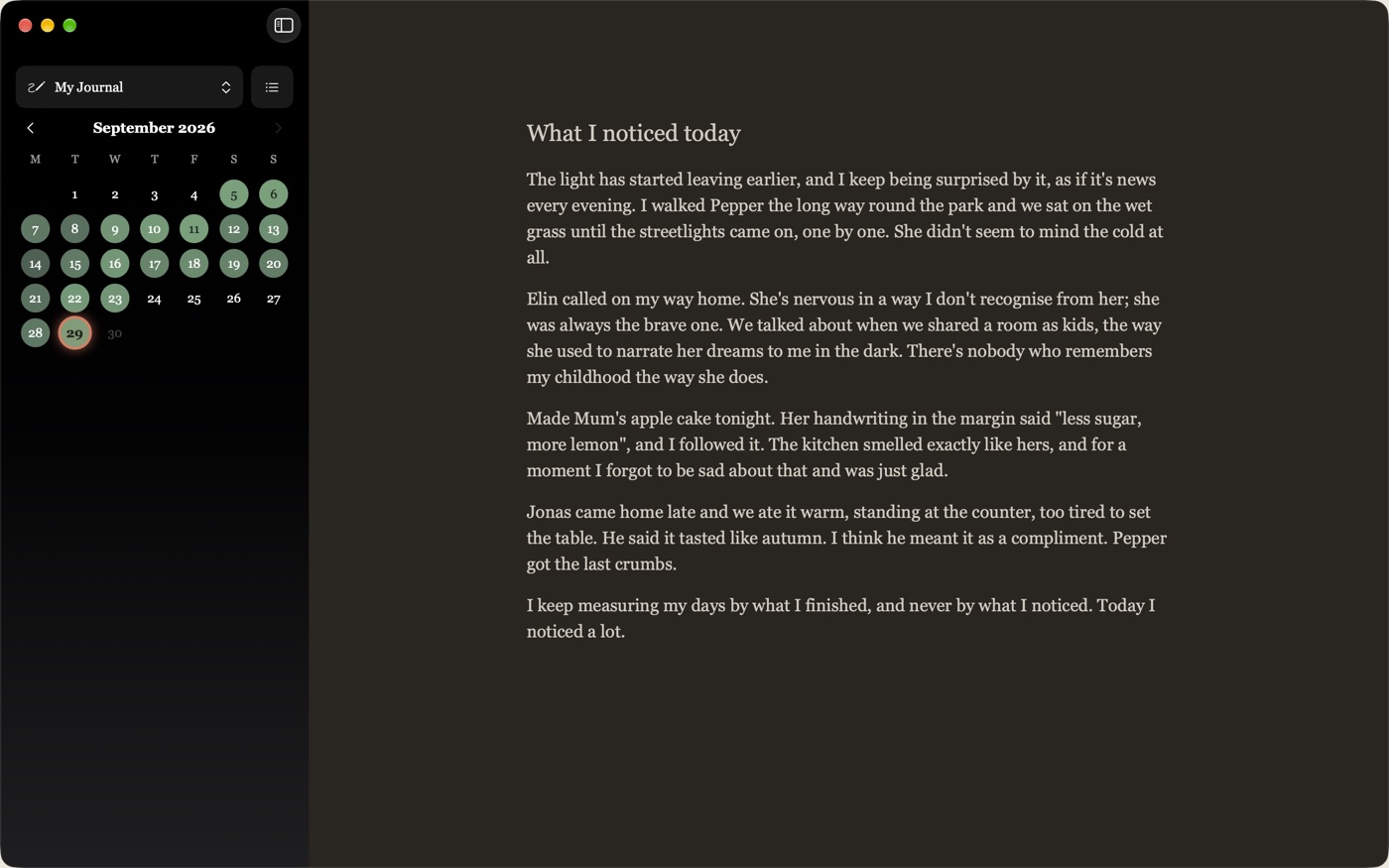
Unwritten on the Mac: a calendar sidebar with written days shaded green, and today's entry on a cream page

Made for writing, not for managing

No feeds, no tags to maintain, no templates to fill in. A page, a date, and a few quiet tools that stay out of the way until you want them.

One page for every day

Open the app and today's page is waiting. Pick any date to read back or catch up on a day you missed.

A calendar that fills in

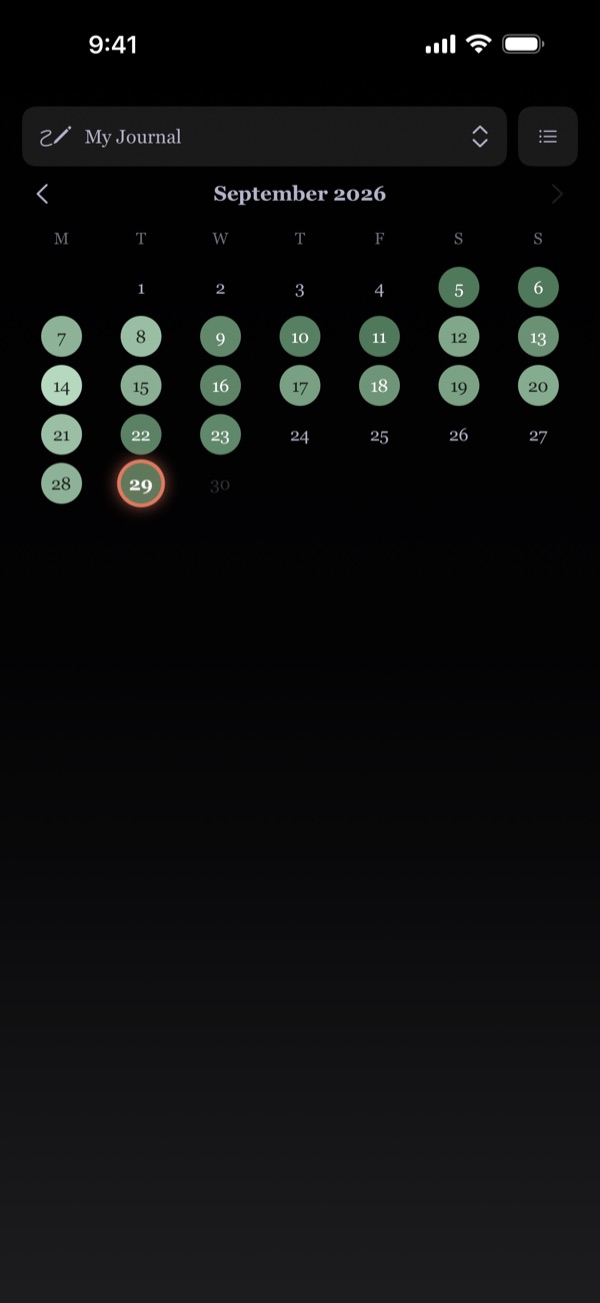
Days you've written glow green, deeper the more you wrote, so a month of writing is visible at a glance.

More than one journal

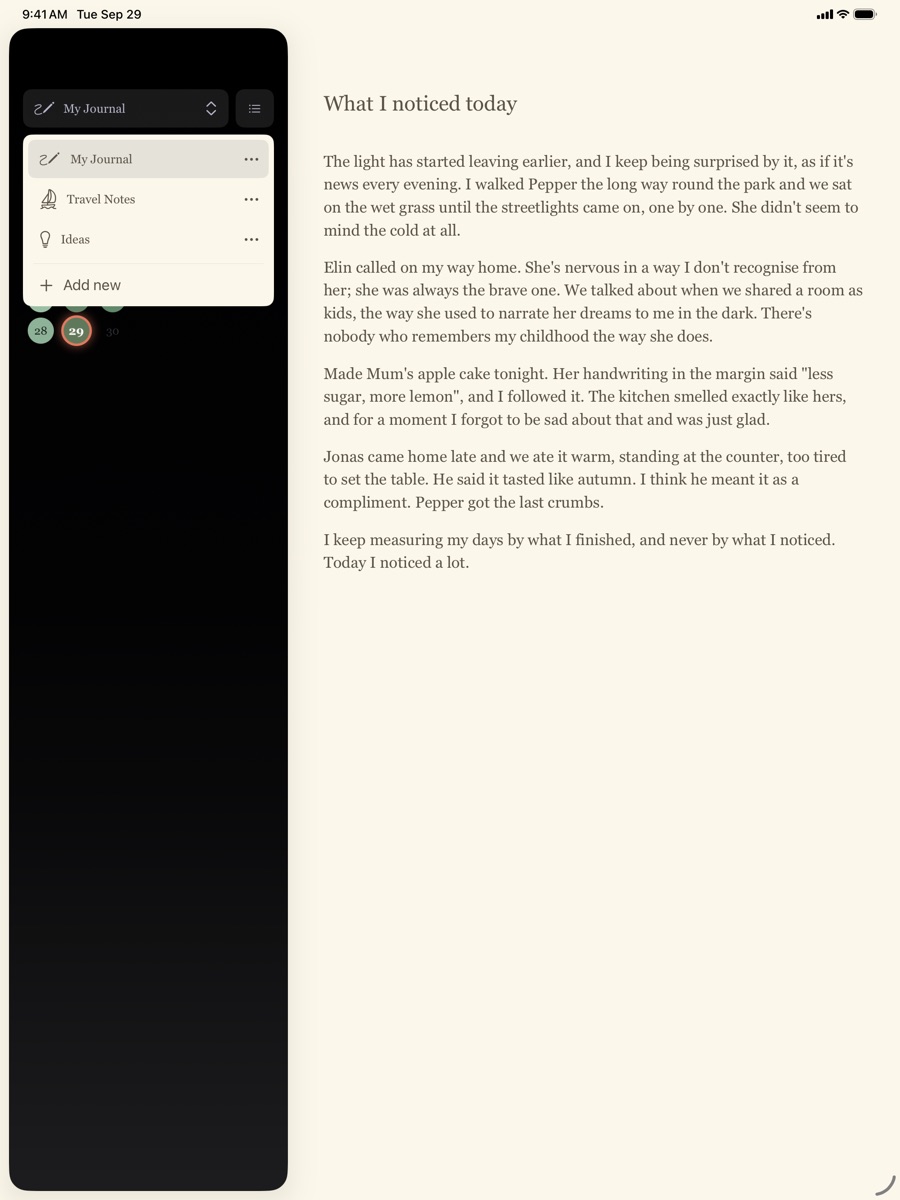
Keep a daily diary next to travel notes or a notebook of ideas, each with its own icon and its own calendar.

A gentle daily goal

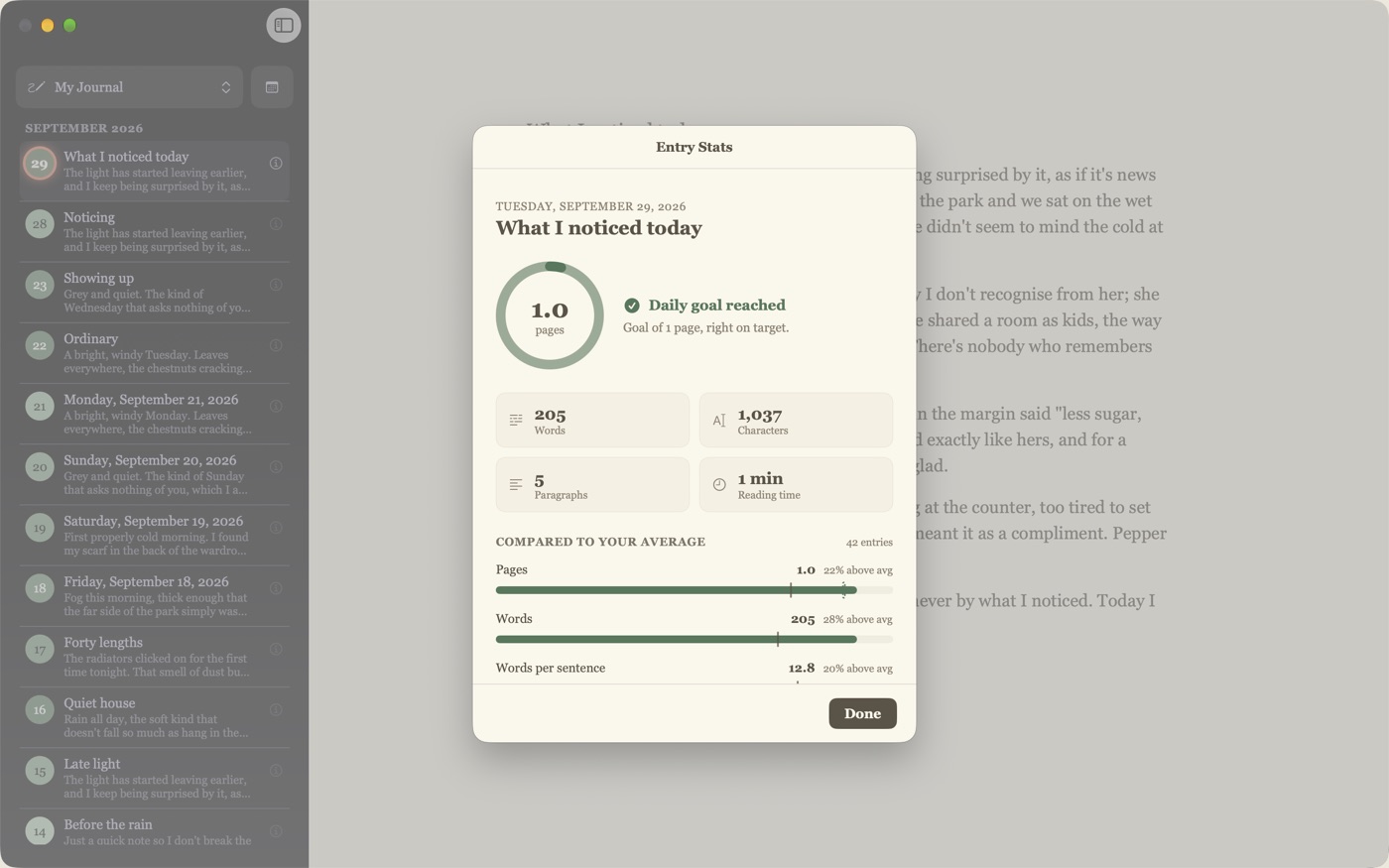
Set a target in pages and see words, reading time and how today compares to your average. Encouragement, not pressure.

Nothing is ever lost

Every entry keeps a version history, saved as you write on every device, so you can step back to any earlier draft.

Everywhere you write

With Unwritten Pro, your journals sync between Mac, iPad and iPhone through your private iCloud. Start on the laptop, finish on the couch.

Today, from anywhere

On the Mac, a system-wide shortcut or the menu bar opens today's page in fullscreen, whatever you were doing.

Bring your old journal

Import from Day One and Unwritten matches each entry to its date. Export to Markdown files, by year and month, whenever you like.

Keyboard first

Jump to today, step between days, jump to a date and toggle the sidebar without reaching for the mouse.

Just you and the page

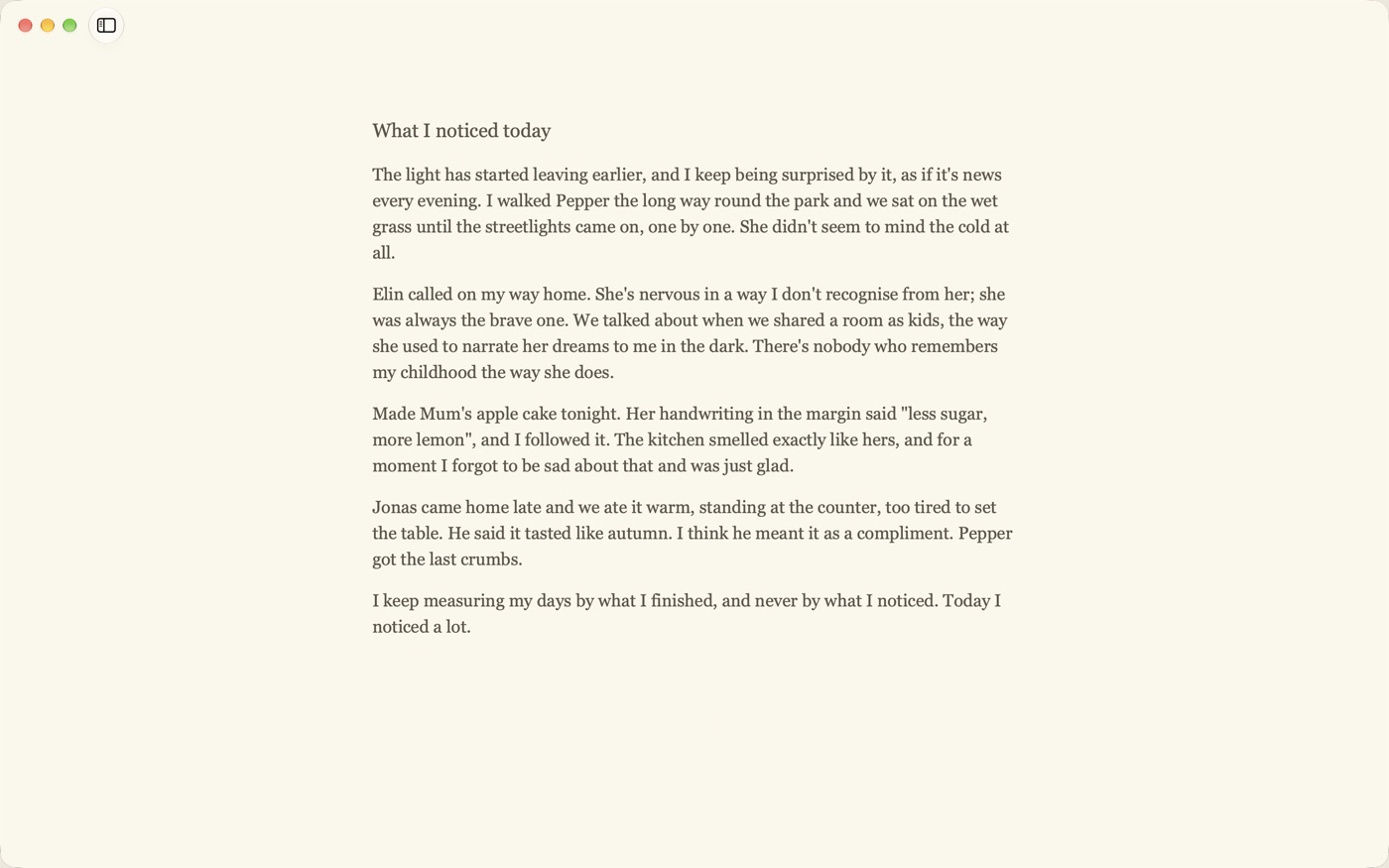
Hide the sidebar and start typing: everything else steps aside until you scroll or stop. On the Mac, fullscreen is a blank page and nothing more.

Locked when you want it

Turn on Face ID, Touch ID or Optic ID and Unwritten asks before it opens, and hides your entries in the app switcher.

Ready for iPhone Duo

Unfold mid-sentence and keep writing. Held like a book, the calendar sits on one page and your entry on the other.


See it in action

A serif page on warm paper, light or dark, with everything else tucked into the sidebar.

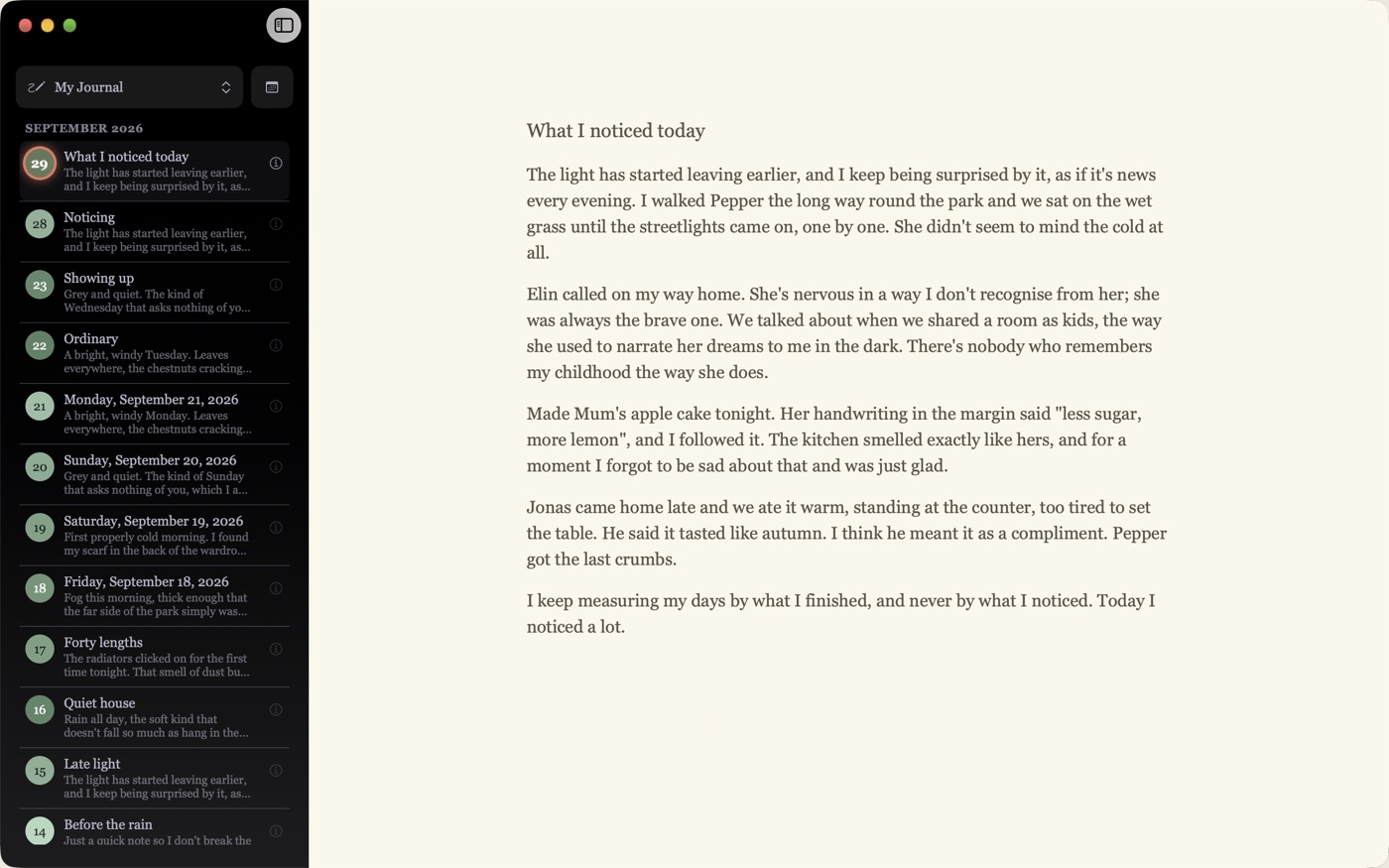
The entries list in the sidebar, showing titles and previews for each day
Switch the calendar for a list of every entry.
The Entry Stats sheet with a daily goal ring, word count and comparison to average
Entry stats and your daily goal, when you want them.
Unwritten with the sidebar hidden, showing only the page of writing
Hide the sidebar and it's just you and the page.
Unwritten in dark mode
Follows your system into dark mode.
Unwritten on iPad with the journal picker open, listing My Journal, Travel Notes and Ideas
On iPad, with room for the sidebar and the page.
The Unwritten calendar on iPhone
Your month on iPhone.
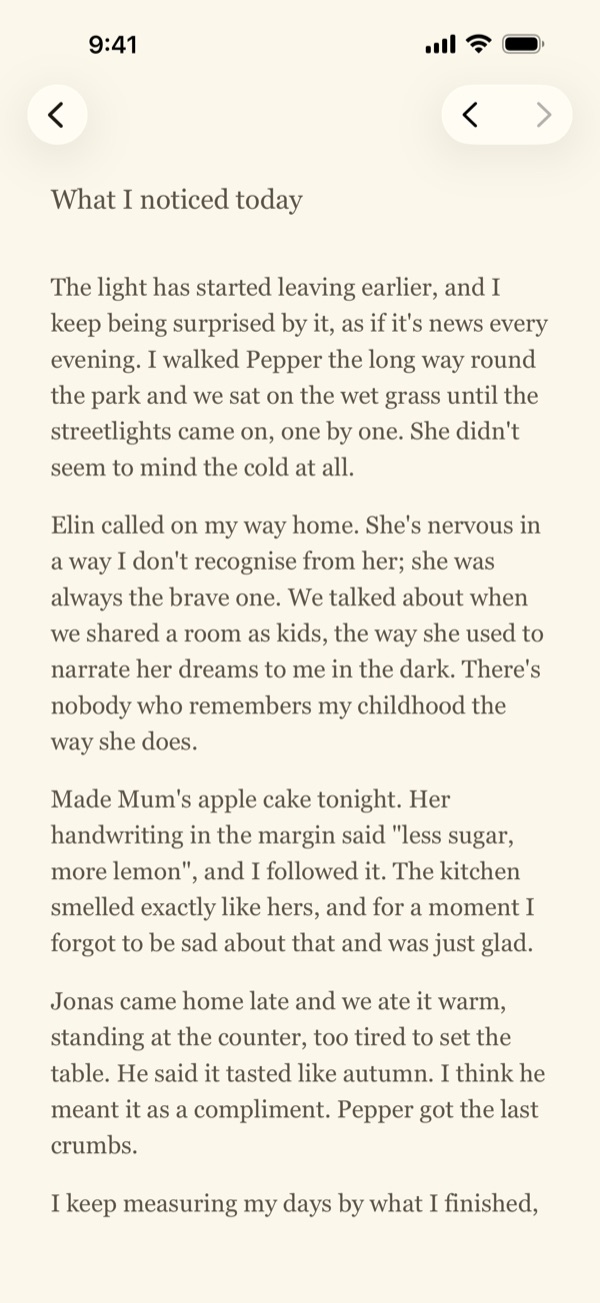
Today's entry on iPhone
And today's page.

Your journal is yours alone

Entries live on your devices and, with Unwritten Pro, in your own private iCloud container. Smond Studio has no server that ever sees what you write, and no way to read it.

  • No accounts. Nothing to sign up for.
  • No analytics or tracking. No telemetry and no third-party SDKs.
  • Private iCloud sync. Stored in your personal CloudKit container, not ours.
  • A lock of its own. Face ID, Touch ID or Optic ID, handled entirely by your device.
  • Your words, portable. Export your entries at any time. Read the full Privacy Policy.

Free to write

Unlimited entries and journals, the calendar, search, stats, version history, the lock, import and export: all free, with no ads and no account. Unwritten Pro adds iCloud sync between your Mac, iPad and iPhone, as a one-time purchase or a yearly subscription.

Keep up with Unwritten

Leave your email and we'll write when there's something new: bigger updates, new features and the occasional note from the studio. No tracking, and you can unsubscribe anytime.

Sent with Buttondown. See the Privacy Policy for how your email is handled.